A managed office for global capability centre has to pass the same security and compliance review as any other site that holds a parent’s people and data. This checklist covers 12 checks, from physical entry to exit terms, with sourced Indian and EU requirements and 18 Synq.Work centres to test them against.
Managed office for global capability centre security means checking 12 things before a parent company signs off: physical entry, visitor management, CCTV, server rooms, network ownership, resilience, logging and incident response, staff and subcontractor access, DPDP data protection, cross-border transfers, building approvals, and audit and exit terms. Ask every provider for evidence for each one, not assurances.
Two dates matter in 2026 and 2027. CERT-In’s 6-hour incident reporting and 180-day log rules already apply, and the main DPDP obligations on security safeguards and breach notification take effect on 12 May 2027, so a contract signed now will run into them.
Why a Parent Company Reviews a Managed Office for Global Capability Centre
A ,a href=”https://synqwork.com/gcc-office-space/”>Global Capability Centre is an extension of its parent. Its people use the parent’s applications, handle the parent’s data and report into the parent’s risk framework. So when the parent’s information security, vendor risk, legal and internal audit teams review a managed office for global capability centre, they usually do not treat it as a real estate decision. They treat it as a third-party service operating inside their control environment.
The review tends to come back to three questions. Can unauthorised people reach our people, systems or data on that site? Can the provider show evidence rather than give assurances? What happens when something goes wrong, or when the contract ends? The 12 checks below follow the order in which reviewers usually ask them. Synq.Work calls its version of the service MO-GCC, short for Managed Office for Global Capability Centres.
- Evidence beats assurance: every check ends with the documents to request.
- Sourced requirements: Indian rules (DPDP, CERT-In) and the EU transfer position are cited to law-firm and industry sources.
- Candid scope: where Synq.Work publishes a control, this page says so; where it does not, the check is marked for your review.
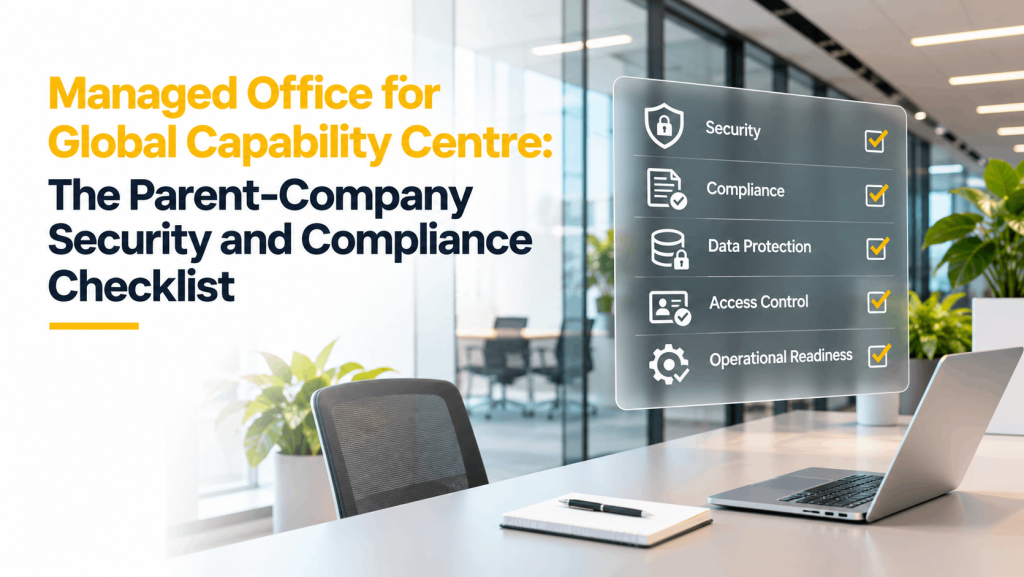
The 12-Point Managed Office for Global Capability Centre Checklist at a Glance
| Check | Domain | Evidence to request |
|---|---|---|
| 1. Perimeter and entry control | Physical security | Access control policy, entry-point list, sample audit log, after-hours process |
| 2. Visitor management and audit trail | Physical security | Visitor flow, data retention period, storage location, deletion and export terms |
| 3. CCTV and monitoring | Physical security | Coverage plan, retention period, access rules for footage, incident request process |
| 4. Server rooms, AV and secure areas | Physical security | Rack and room access list, environmental controls (power, cooling, fire), clear desk rules |
| 5. Network ownership and segregation | IT and network | Network diagram, carrier details, segregation approach, right to bring your own carrier or firewall |
| 6. Connectivity and power resilience | IT and network | Redundancy design, power backup specification, SLA and failover test records |
| 7. Logging and incident response | IT and network | Log types and retention, time-sync approach, incident notification timeline and contact |
| 8. Support access and the vendor chain | IT and network | Admin access list, staff vetting policy, subcontractor list, confidentiality undertakings |
| 9. Data protection readiness | Data and legal | Data map for visitor, access and CCTV data, retention schedule, breach notification process |
| 10. Cross-border data transfers | Data and legal | Encryption and key-control model, sub-processor list, support for transfer impact assessments |
| 11. Building and statutory compliance | Building, audit and exit | Fire safety and building approvals, landlord consent, evacuation drill records |
| 12. Audit rights, SLAs, term and exit | Building, audit and exit | Audit clause, SLA schedule with remedies, notice and lock-in terms, exit and data-return plan |
Physical Security Checks for a Managed Office for Global Capability Centre
Physical controls are the easiest to inspect and the easiest to under-specify. Walk the entry route yourself, then test each claim below against what you see.
1. Perimeter and entry control
A parent’s first question is who can physically reach its people and systems. Ask how the operator verifies identity at each entry point, how access is granted and revoked, how after-hours entry works, and whether every entry is logged in a form the GCC can audit. Weak entry control undermines every other control on this list.
Evidence to request: Access control policy, entry-point list, sample audit log, after-hours process
What Synq.Work lists: 24/7 access and 24/7 security at the centres. The Synq.Work smart office page describes facial recognition as the primary entry method, replacing card and fingerprint systems, with a central admin console that lets a client add or remove people, issue temporary access and pull audit logs.
2. Visitor management and audit trail
Visitors are a common route into a secure site. Ask how visitors are pre-registered, how hosts are notified, how check-in is recorded and how long that record is kept. Then ask the question most reviewers miss: where the visitor data lives, and which third-party software, if any, sits in the chain.
Evidence to request: Visitor flow, data retention period, storage location, deletion and export terms
What Synq.Work lists: A visitor management and meeting room booking system built in-house, with visitor and booking data held first-party on Synq.Work’s own servers rather than with an outside software vendor.
3. CCTV and monitoring
CCTV matters when something goes wrong. Ask which areas the cameras cover, how many days of footage are kept, who can view it, and how the GCC requests footage after an incident. Because footage and logs are personal data, the retention period also feeds the data protection check below.
Evidence to request: Coverage plan, retention period, access rules for footage, incident request process
What Synq.Work lists: 24/7 security and CCTV surveillance are listed on the centre pages. Coverage plans and footage retention are not published, so confirm them during the review.
4. Server rooms, AV and secure areas
Network, AV and security equipment needs a locked, access-restricted room that is not shared with other tenants or with building maintenance. ISO/IEC 27001:2022 groups 14 physical controls under Annex A theme 7, including perimeters, physical entry, securing rooms, monitoring and working in secure areas, which gives reviewers a ready structure for site visits (DataGuard summary of Annex A theme 7).
Evidence to request: Rack and room access list, environmental controls (power, cooling, fire), clear desk rules
What Synq.Work lists: The MO-GCC page lists access control systems, server rooms and AV setup within the managed scope.
IT and Network Checks for a Managed Office for Global Capability Centre
The IT layer decides whether a physically secure site is also a secure working environment. Treat the operator’s network and support model as part of the parent’s perimeter.
5. Network ownership and segregation
The GCC should know whose network its people are on. Ask whether the connection is dedicated or shared, whether the GCC can bring its own carrier, firewall or SD-WAN, and whether other tenants can ever share a network segment with the GCC. Shared Wi-Fi for core GCC systems is usually a red flag.
Evidence to request: Network diagram, carrier details, segregation approach, right to bring your own carrier or firewall
What Synq.Work lists: A high-speed leased line is listed at most centres (the WTC Delhi page lists high-speed WiFi instead), and the MO-GCC scope includes secure internet. Dedicated versus shared design and carrier diversity are for the review.
6. Connectivity and power resilience
A GCC runs shifts, customer processes and parent deadlines, so downtime is a business event. Ask about carrier redundancy, power backup, failover time and how the operator tests continuity. Ask for the site’s business continuity plan and the SLA remedies when it is not met.
Evidence to request: Redundancy design, power backup specification, SLA and failover test records
What Synq.Work lists: Power backup is listed at every centre. Redundancy design and failover records are for the review.
7. Logging and incident response
India’s CERT-In Directions, issued on 28 April 2022 and effective from 27 June 2022, require covered entities, which include body corporates, to report specified cyber incidents within 6 hours of noticing them, keep ICT system logs for a rolling 180 days and synchronise system clocks to NIC or NPL time sources (AZB & Partners summary). A GCC should therefore agree early which logs the workspace provider keeps for network and access systems, and how fast the provider will alert the GCC to an incident on its side.
Evidence to request: Log types and retention, time-sync approach, incident notification timeline and contact
What Synq.Work lists: IT support is listed at the centres. Log types, retention and the incident notification timeline are for the review.
8. Support access and the vendor chain
Most incidents involve people with legitimate access. Ask who holds administrative rights over the GCC’s systems and on-site equipment, how on-site staff are vetted, which tasks are subcontracted (security, housekeeping, IT support) and what confidentiality terms bind each subcontractor. A single accountable partner makes this chain easier to audit.
Evidence to request: Admin access list, staff vetting policy, subcontractor list, confidentiality undertakings
What Synq.Work lists: Design, build, IT and operations under one partner and one contract, as described on the MO-GCC page. Staff vetting and subcontractor lists are for the review.
Data Protection and Legal Checks for a Managed Office for Global Capability Centre
Two legal questions reach a managed office. The first is the operator’s own handling of personal data. The second is whether the workspace supports, or undermines, the transfer mechanism the parent relies on.
9. Data protection readiness
India’s Digital Personal Data Protection Rules were notified on 13 November 2025 with a staggered start. The main obligations on data fiduciaries, including reasonable security safeguards, personal data breach notification and retention and erasure timelines, take effect on 12 May 2027 (AZB & Partners timeline). Under the Rules, a detailed breach notification to the Data Protection Board is due within 72 hours of becoming aware of a breach, and rule 8(3) requires certain personal data, traffic data and logs to be kept for at least one year (Khaitan & Co analysis). A workspace operator handles personal data of its own, in visitor records, access logs and CCTV footage, so ask how that data is processed, retained, deleted and reported on in a breach. Whether the GCC or the provider is the data fiduciary or processor depends on the structure, so take legal advice.
Evidence to request: Data map for visitor, access and CCTV data, retention schedule, breach notification process
What Synq.Work lists: In-house visitor data on Synq.Work’s own servers simplifies the data map. Retention schedules and breach notification terms are for the review.
10. Cross-border data transfers
If the parent is in the EU or EEA, personal data it sends to the GCC needs a lawful transfer mechanism. India holds no EU adequacy decision, so transfers need an Article 46 safeguard, usually Standard Contractual Clauses with a documented transfer impact assessment that addresses government access powers (Legiscope, July 2026). One supplementary measure parents consider is encryption with keys held outside India. The workspace should not undermine that design, so ask whether the provider has any access to GCC content and how support access is controlled.
Evidence to request: Encryption and key-control model, sub-processor list, support for transfer impact assessments
Building, Audit and Exit Checks
11. Building and statutory compliance
A secure workspace still has to be a lawful one. Ask for the fire safety and building approvals that apply to the premises, the landlord’s written consent to the managed arrangement, and records of evacuation drills. These documents are inexpensive to request and expensive to discover missing after go-live.
Evidence to request: Fire safety and building approvals, landlord consent, evacuation drill records
What Synq.Work lists: Fire safety is listed at every centre. The approval documents themselves are for the review.
12. Audit rights, SLAs, term and exit
Controls only count if the contract lets the GCC verify them. Look for a right to inspect the site and request evidence, service levels with remedies, clear notice and lock-in terms, and an exit plan that covers handover of the fit-out, return or deletion of visitor and access data, and transition support. Sign the security schedule with the commercial terms, not after them.
Evidence to request: Audit clause, SLA schedule with remedies, notice and lock-in terms, exit and data-return plan
What Synq.Work lists: One contract for design, build and operations under the MO-GCC model. Audit clauses and exit terms are negotiated per engagement (MO-GCC).
What Synq.Work Lists Today, and What to Confirm
Use the table below as a starting point for a managed office for global capability centre review of Synq.Work. The left column is what Synq.Work publishes on its centre pages, its smart office page and the MO-GCC page. The right column is what your team should still ask for. This page makes no certification claims, so request current certificates and audit reports from every provider, including Synq.Work.
| Area | What Synq.Work lists | What to confirm |
|---|---|---|
| Physical access | 24/7 access and security; facial recognition entry with a central admin console and audit logs | Entry-point list, after-hours process, sample audit log |
| Visitor data | In-house visitor management, first-party data on Synq.Work’s own servers | Retention period, deletion and export terms |
| CCTV | CCTV surveillance listed at the centres | Coverage plan and footage retention |
| Network and power | High-speed leased line (high-speed WiFi at WTC Delhi) and power backup | Dedicated versus shared design, carrier diversity, failover records |
| Server rooms and AV | Access control systems, server rooms and AV setup within MO-GCC scope | Room access list and environmental controls |
| Certifications and audit reports | Not claimed on this page | Request current certificates and audit reports from every provider, including Synq.Work |
Based on Synq.Work’s published centre pages and the MO-GCC page as of November 2026.
How to Run the Review of a Managed Office for Global Capability Centre, and the Red Flags
- Send the checklist as a questionnaire to each shortlisted provider and ask for the evidence column in writing.
- Visit two centres and walk the entry route, the server room, the visitor desk and the camera room, using the 12 checks as your script.
- Compare evidence, not claims, then attach the agreed security schedule to the commercial contract.
- Red flag: the provider cannot say where visitor data is stored or which vendors can see it.
- Red flag: core GCC systems would share a Wi-Fi network with other tenants.
- Red flag: no stated log retention period or incident notification timeline.
- Red flag: subcontractors are undisclosed, or there is no right to audit.
- Red flag: exit terms say nothing about returning or deleting your data.
Synq.Work Centres for a Managed Office for Global Capability Centre
Synq.Work operates 18 centres across the NCR and Mumbai. The MO-GCC page lists Gurgaon, Delhi, Noida and Mumbai, and shows DLF Cyber Greens in Cyber City and IFC on Golf Course Extension Road as delivered MO-GCC projects. Magnum 1 Tower in Faridabad is part of the network, so ask about its suitability for your GCC. Each card links to the centre on Google Maps, so your reviewers can plan site visits.
Gurgaon (9)
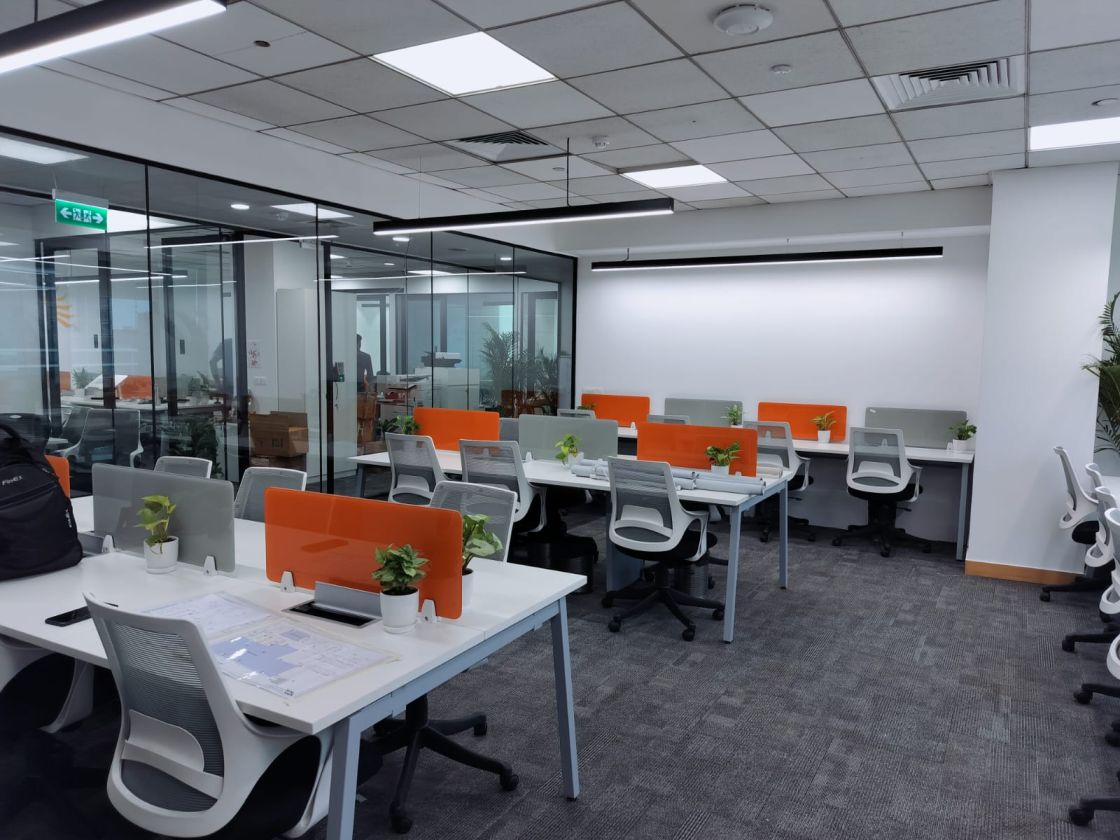 Cyber City, MO-GCC delivered
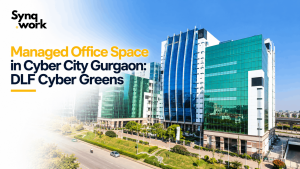
DLF Cyber Greens
DLF Cyber Greens, Cyber Hub, DLF Phase 2, Gurgaon 122002
Area: 20,000 sq ft
Access: DLF Phase 3 Rapid Metro, on the doorstep
 MG Road, Sector 24
DLF Corporate Park
Tower 4B, DLF Corporate Park, Sector 24, MG Road, Gurgaon
Area: 8,000 sq ft
Access: Guru Dronacharya Metro, about 2 min
 Golf Course Extension Road, MO-GCC delivered
M3M IFC
M3M International Financial Centre, Sector 66, Golf Course Extension Road, Gurgaon
Area: 20,000 sq ft
Access: Golf Course Extension Road, about 1 min
 Sector 44
Chimes 142
Chimes 142, Sector 44, Gurgaon 122003
Area: 20,000 sq ft
Access: HUDA City Centre Metro, about 5 min
 Sector 44
Sehgal Foundation, Plot 34
S M Sehgal Foundation Building, Plot 34, Sector 44, Gurgaon 122003
Area: 10,000 sq ft
Access: HUDA City Centre Metro, about 5 min
 Sector 44
Plot 18, Sector 44
Plot 18, Sector 44, Gurgaon 122003
Area: 15,000 sq ft
Access: HUDA City Centre Metro, about 10 min
 Sector 30, NH-48
GSC Tower
GSC Tower, Plot B, South City-1, Sector 30, Gurgaon
Area: 60,000 sq ft
Access: NH-48, about 2 min
 Medicity, Sector 38
SAS Towers
SAS Towers, Medicity, Sector 38, Gurgaon
Area: 150,000 sq ft
Access: HUDA City Centre Metro, about 15 min
 Sohna Road, Sector 49
Vatika Business Park
Tower A, Vatika Business Park, Sector 49, Sohna Road, Gurgaon 122018
Area: 20,000 sq ft
Access: Golf Course Extension Road, about 2 min
Delhi (2)
 Aerocity
Aloft Aerocity
Aloft, Aerocity, New Delhi 110037
Area: 5,000 sq ft
Access: Aerocity Metro, about 2 min
 Nauroji Nagar, Safdarjung Enclave
WTC Delhi
Tower K, World Trade Centre, Block F, Nauroji Nagar, Safdarjung Enclave, New Delhi 110029
Area: 25,000 sq ft
Access: South Delhi, Safdarjung Enclave
Noida (1)
 Film City, Sector 16A
K S Corporate Tower
K S Corporate Tower, 24B, Film City, Sector 16A, Noida 201301
Area: 30,000 sq ft
Access: Sector 16 Metro, about 5 min
Mumbai (1)
 Windfall, Sahar Plaza Complex
Sahar Plaza, Andheri East
Windfall, Sahar Plaza Complex, Andheri East, Mumbai 400059
Area: 50,000 sq ft
Access: Chakala Metro, about 5 min
Faridabad (1)
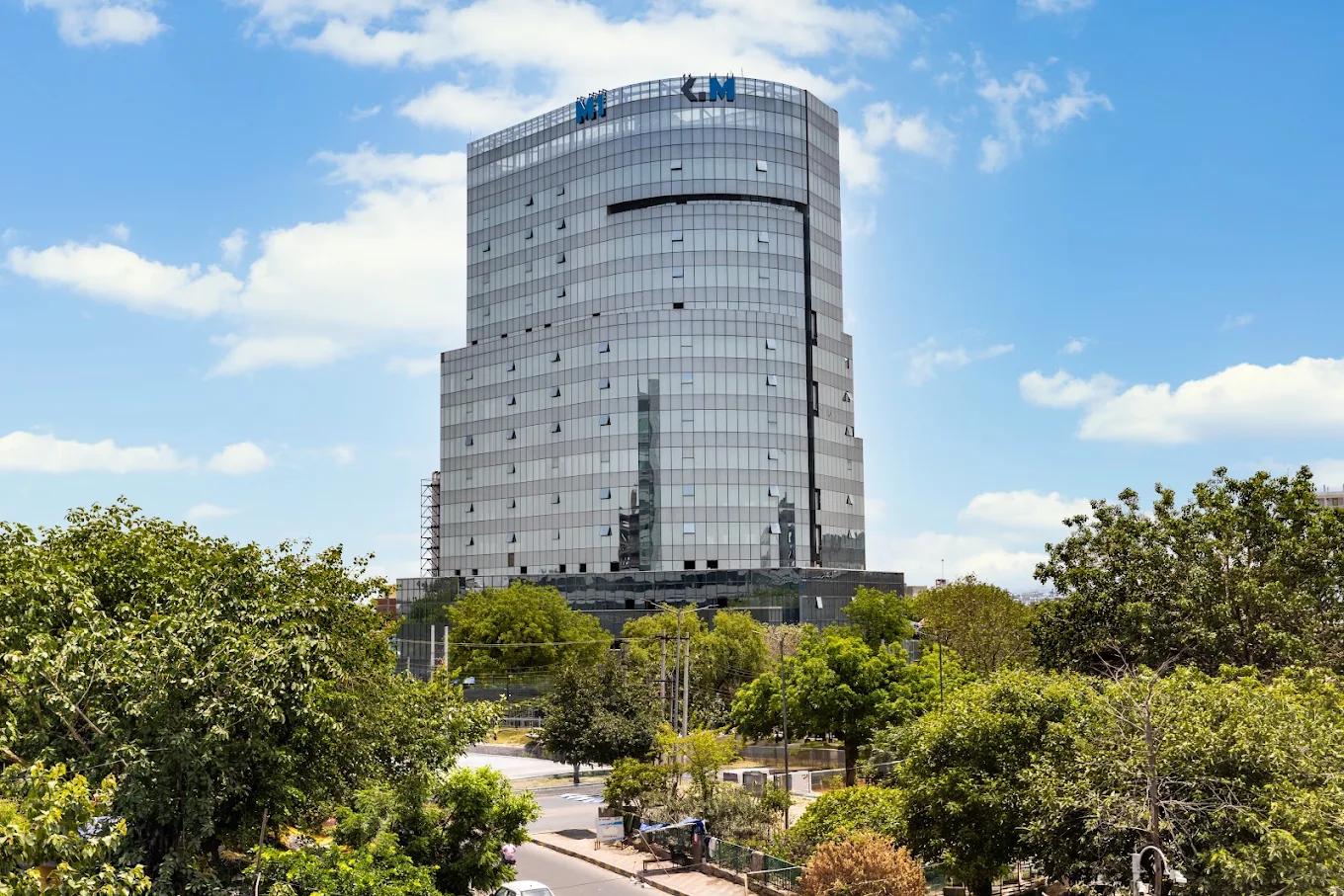 Sector 37, Mathura Road
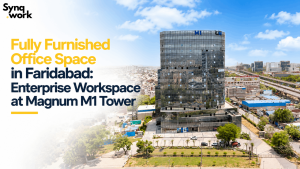
Magnum 1 Tower
Magnum 1 Tower, Sector 37, Faridabad 121003
Area: 20,000 sq ft
Access: Faridabad Metro, about 8 min
Area is the centre’s listed workspace footprint. Travel times are approximate and vary with traffic. Seat plans are configured per client.
Frequently Asked Questions About Managed Office for Global Capability Centre
Send us your parent’s security questionnaire and we will walk you through MO-GCC against each of the 12 checks.